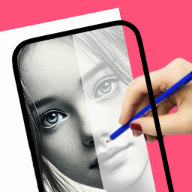
Practice with low-pressure beginner lessons
Built for people who want a simple path from idea to real drawing practice on iPhone or iPad.
learn to draw
Build a practical drawing habit with short sessions, guided references, and a workflow that helps you move from assisted outlines to freehand practice.
Real drawing videos
See short @howtodrawapp demos before you install: AR tracing, drawing projector setup, photo-to-sketch practice, anime sketches, and real paper drawing workflows.
Built for people who want a simple path from idea to real drawing practice on iPhone or iPad.
Built for people who want a simple path from idea to real drawing practice on iPhone or iPad.
Built for people who want a simple path from idea to real drawing practice on iPhone or iPad.
Drawing workflow
Learning to draw is easier when the next step is always visible. The app keeps practice simple with guided references, tracing support, and repeatable lessons for beginners.
Adults starting again after years.
Students practicing simple subjects.
Users who want a daily creative habit.
People who need help with proportions.
Deeper, but often too heavy for someone who wants to start today.
Good for ideas, but weaker for guided execution.
Provides a lightweight learning loop with references, tracing, and repeated practice.
Beginners
Daily practice
Users who need confidence before freehand drawing
Advanced portfolio critique
Professional certification or art-school replacement
Keep the first subject simple.
Use the guide for structure, not every tiny detail.
Save progress by repeating the lesson later.
Use a guide, draw it by hand, compare the result, and repeat. The goal is steady progress rather than instant perfection.
Move naturally into AR drawing, trace drawing, photo-to-sketch, beginner lessons, anime, or animals depending on what you want to draw next.
The workflow focuses on one drawing goal and keeps the App Store action clear on desktop and mobile.
Open the app, pick one reference, trace the structure, then repeat the same subject without tracing. That creates learning, not just copying.
Yes. Short, repeated practice with clear references can help adults start and keep going.
Tracing is best used as practice for proportions, then followed by freehand repetition.
A short daily session is better than occasional long sessions for most beginners.
Yes. Personal photos can become sketch references for practice.
Yes. The download button opens the iPhone and iPad App Store listing.
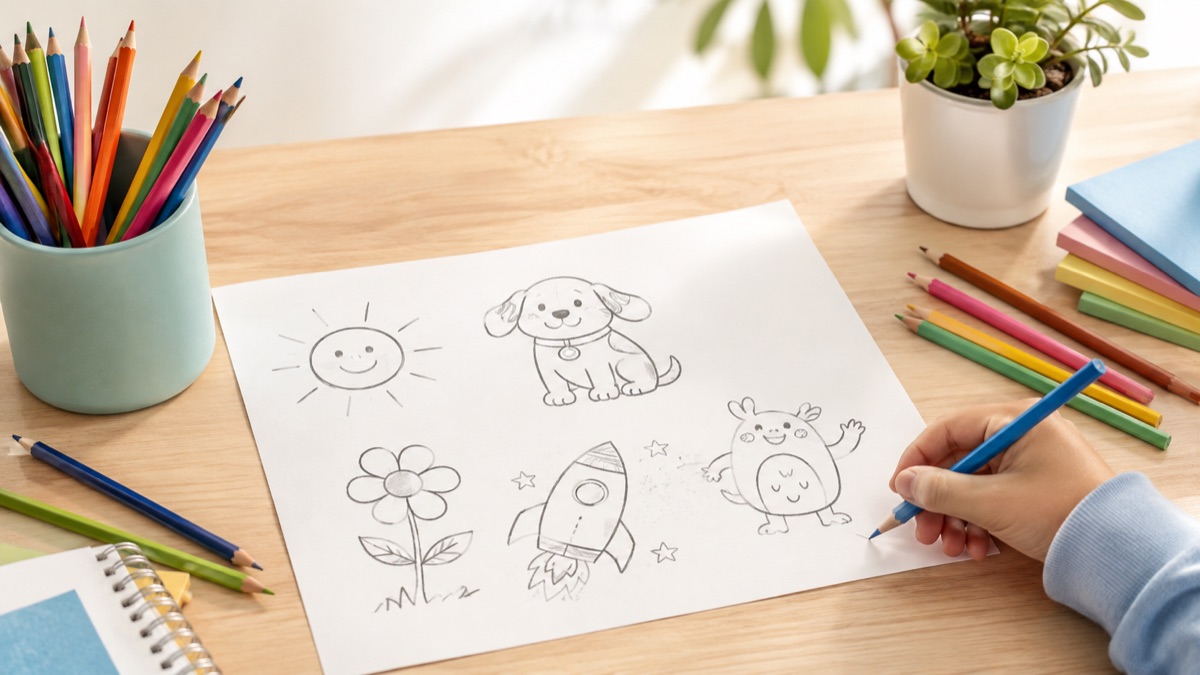
Start with the guide that matches this search, then try the kids drawing article for simple ideas parents and young beginners can use today.